
Remote Shooting
You can operate the sender camera or terminal to remotely shoot with the receiver camera.
Sender Camera
Press the shutter button on the sender camera.
Terminal
-
Start the EMR application and display the Multi View screen 1 (), Multi View screen 2 (), or the Single View screen ().
-
Tap the shutter button icon [
 ].
].
Caution
- On a wireless connection, a delay may occur in the Live View display due to the communication status. In addition, the release time lag may be extended.
- If the receiver camera is an EOS R3, still photo shooting cannot be performed in movie recording mode.
Camera shooting by group
-
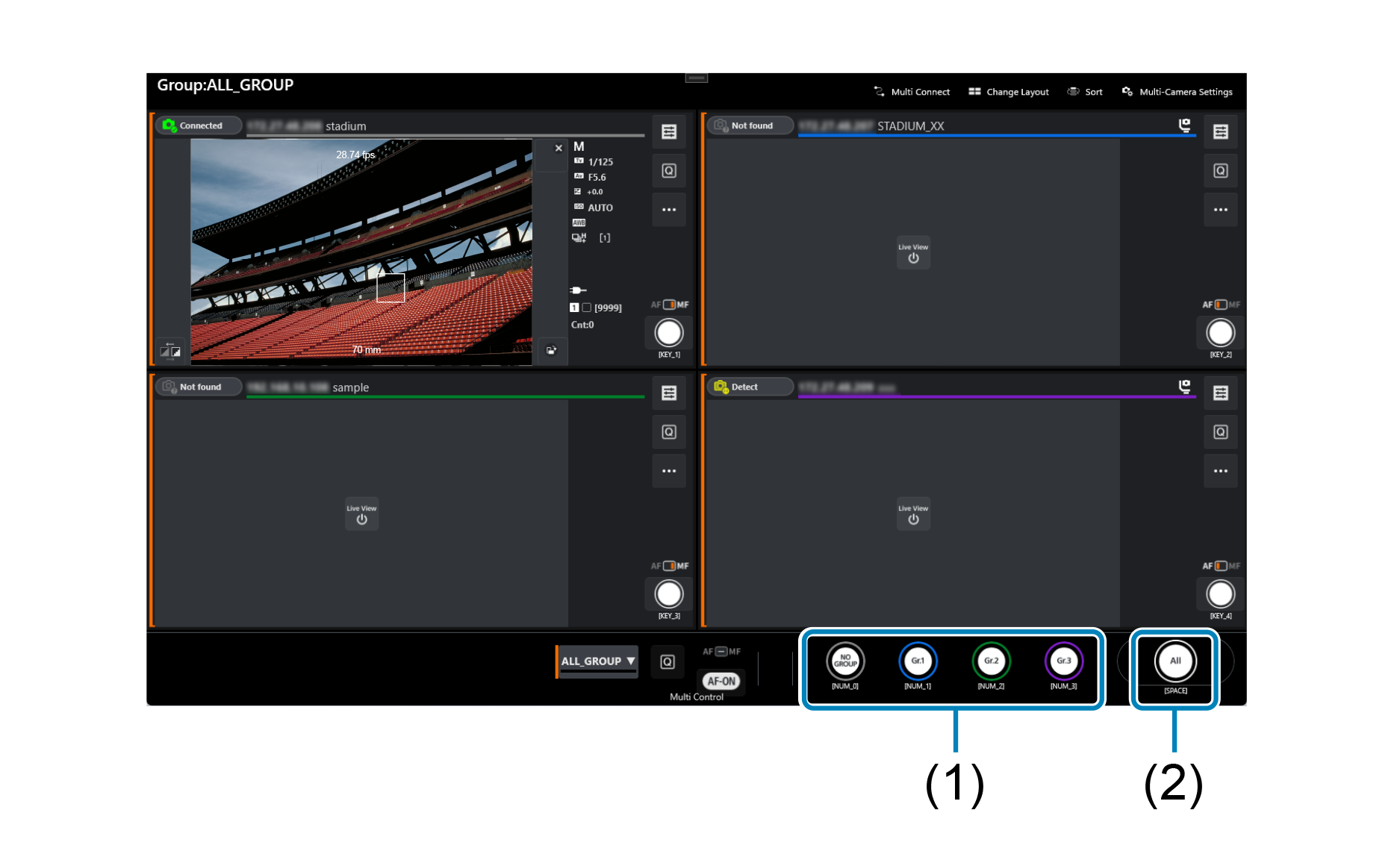
Turn on [Settings]-[Show group shooting button] on the displayed screen.
 ] in the main screen (
Multi View screen 1
Multi View screen 2
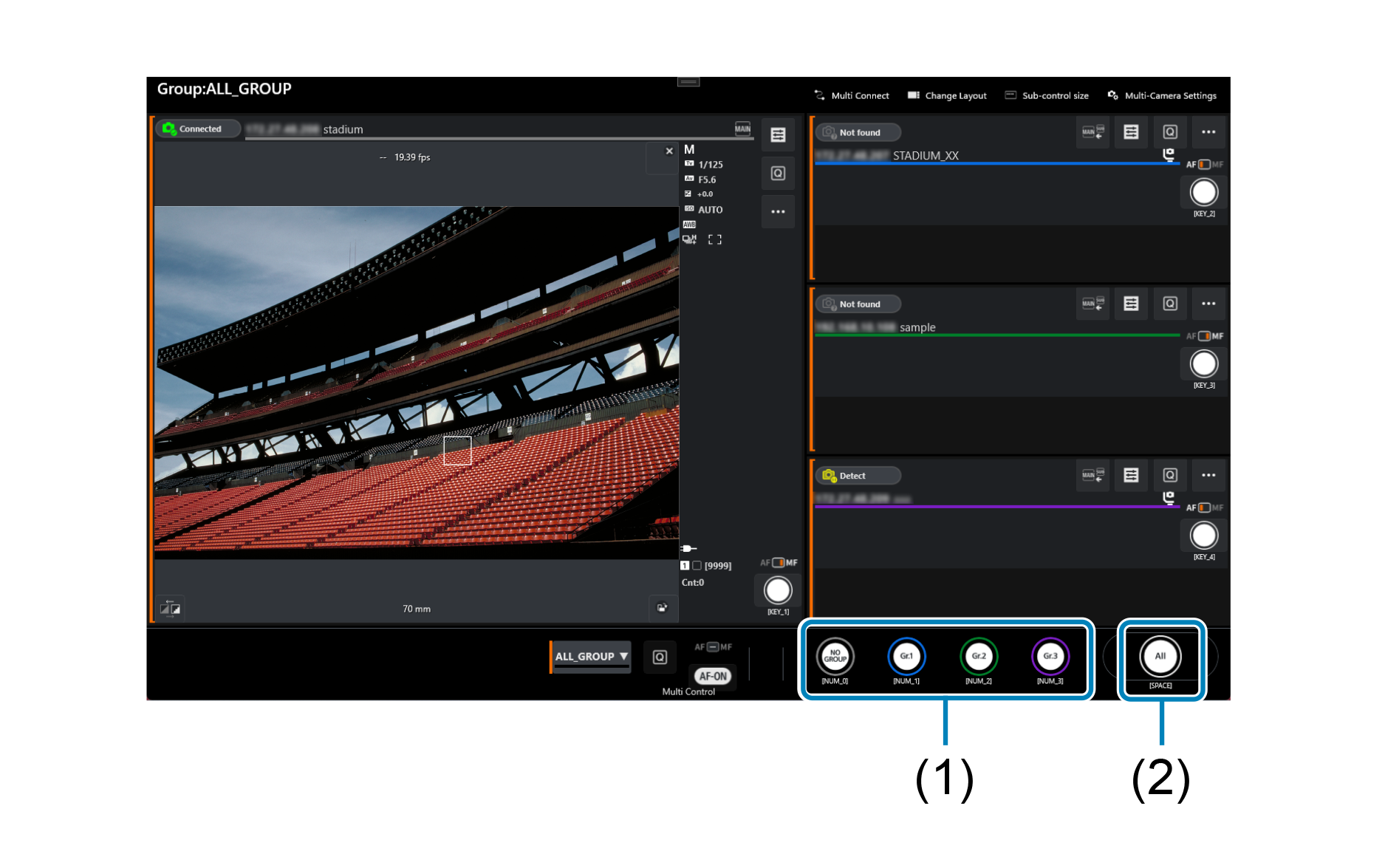
- (1) Shoot with the cameras configured for each group.
- (2) Shoot with all cameras.