
Wi-Fi Settings
-
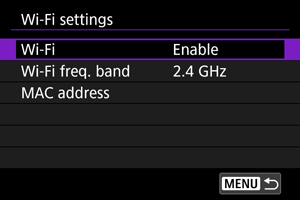
Select an option.
-
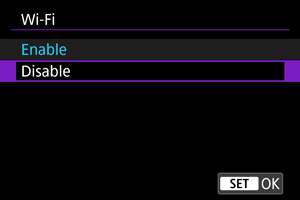
Wi-Fi
Set to [Disable] where use of electronic or wireless devices is prohibited, such as on airplanes or in hospitals.
-
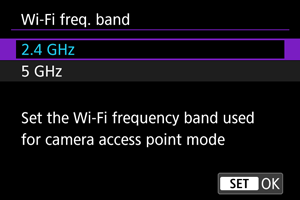
Wi-Fi freq. band
Select the frequency band for camera access point mode, as needed. This frequency band also applies to Wi-Fi connections established using Bluetooth functions.
-
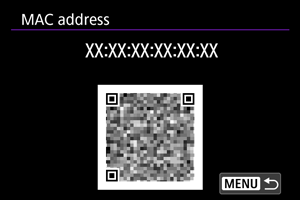
MAC address
You can check the MAC address of the camera.
-
 :
: Caution
-
Transferring movies
- Each movie file is large, and transferring large files over Wi-Fi may take some time. Referring to Wireless Communication Precautions, arrange your network environment for stable communication between devices and the access point.
-
Wi-Fi frequency bands
- When using [5GHz], make sure that equipment you are connecting to can also use this band.
- The camera uses the frequency band of any channel set manually in [Channel setting] ().