
Setting the Shooting Mode
-
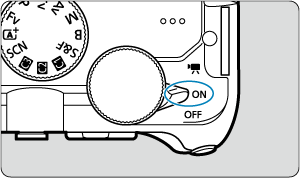
Set the power switch to
 .
.
-
Turn the Mode dial to choose a shooting mode.
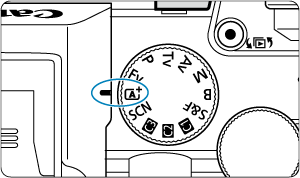
-
For
 , select a shooting mode after tapping the icon in the upper left or accessing the [Choose scene] screen in [
 : Shooting mode].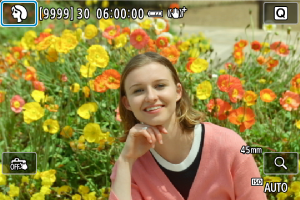
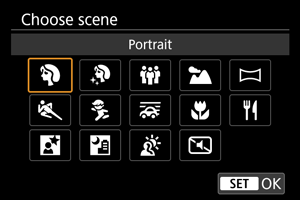
-
Note
 in still photo shooting corresponds to P (Program AE) mode.