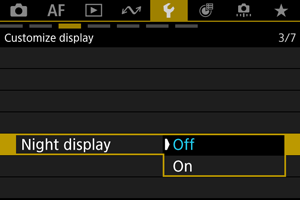
Night Display
Change the color of the information displayed on the screen and the Menu Screen to a color that is suitable for shooting in dark areas.

Change the color of the information displayed on the screen and the Menu Screen to a color that is suitable for shooting in dark areas.
 :
: 
 :
: