
Quick Control
You can directly and intuitively select and set the settings displayed.
-
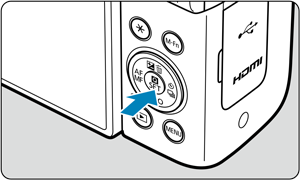
Press the
 key (
key ( ).
).
-
Select a setting item and set your preferred option.
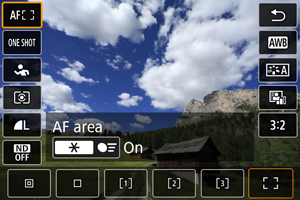
- Press the

 keys to select an item.
 - Turn the
 dial to adjust the setting. Some items are set by pressing a button after this.
- Press the