
7-1 Function Overview
This function allows you to batch register AF-related settings and recall them for batch setting. You can also save setting files to and load them from a card.
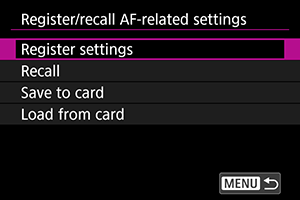
Up to six items can be registered, from [SET1] to [SET6]. You can change the name of each SET to match the subject or shooting scene, making it easier to identify registered details.
Registering and recalling on a camera
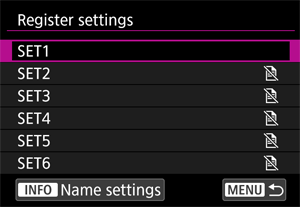
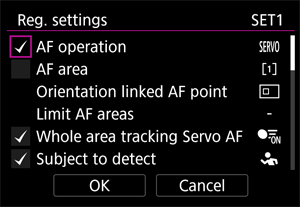
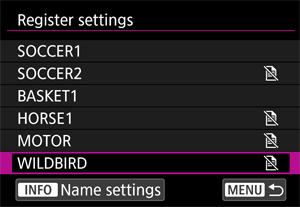
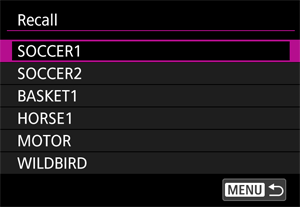
Registering AF-related settings in advance allows you to recall them before shooting to save time on pre-shooting setting configuration, and prevent missed or incorrect settings.
You can reuse registered settings, so after registering the first time, there is no need to configure settings again before shooting.
You can't temporarily recall settings during shooting with the press of a single button using this feature, but if you would like to do so, we recommend customizing buttons for shooting or using the custom mode (C1 - C3).
Save to card and load
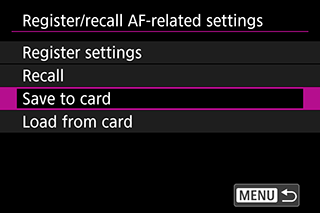
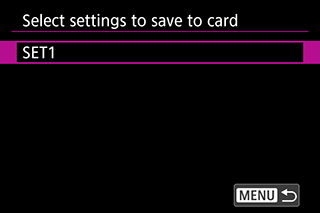
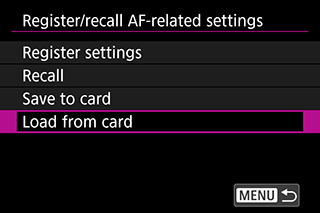
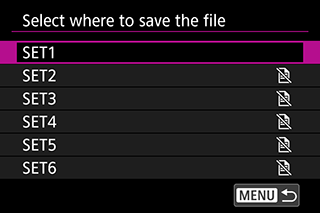
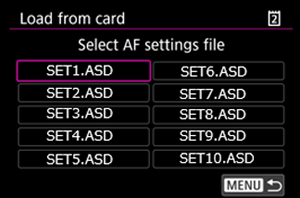
Select from [SET1] to [SET6] and save your preferred settings to a card. When AF-related settings are saved to a card, selecting one of the options above loads the applicable setting file. This feature allows you to share settings with other people (between the same models).