
1-9 Register/Recall AF-related Settings Save to/Load From Card
Registering and recalling AF-related settings
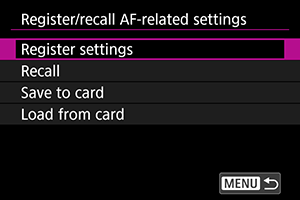
You can register and recall all current camera AF settings. You can also save registered AF settings to and load them from a card.
Instructions – Reference
Registering and recalling recommended settings
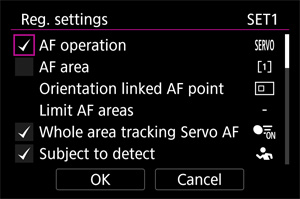
You can set various AF-related items, then tick the boxes of items you want to save via batch registration. For example, you can configure the settings in this AF Setting Guide in "6. Recommended Settings for Subjects and Scenes", and "6-2. Ball Games: Basketball", then recall the registered settings when shooting a basketball game. The current camera settings are displayed on the registration screen. You cannot change the settings registered on this screen.
Changing registered names
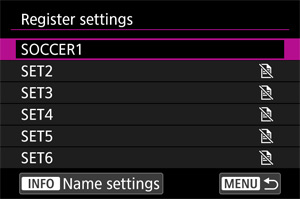
You can register up to six sets from [SET1] to [SET6]. Registered names can be changed, so changing the recommended settings in "Basketball" to "BASKET," etc. can make it easier to configure settings for the scene.
Using "Save to card" and "Load from card"
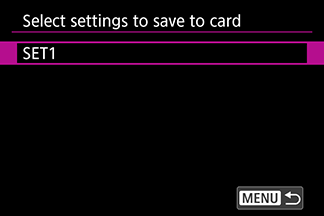
Save to card selection screen
Select six settings from [SET1] to [SET6] and save your preferred settings to a card.
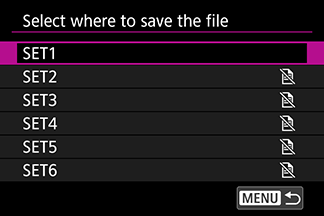
Load destination from card selection screen
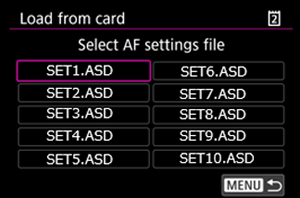
Load file from card selection screen
When AF-related settings are saved to a card, selecting one of the options above loads the applicable setting file. This feature allows you to share settings across multiple models.