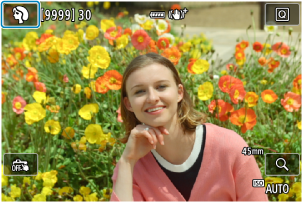
Режим на заснемане на снимки/запис на видео
Когато програматорът е поставен в позиция  (за заснемане на снимки и запис на видео) или
  (за запис на видео), можете да изберете най-подходящата сцена или режим за конкретната ситуация.
-
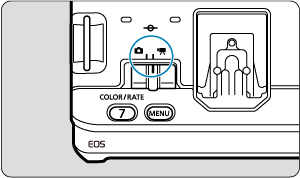
Поставете превключвателя за заснемане на снимки/запис на видео в позиция
 или
или  .
.
-
Поставете програматора в позиция
или .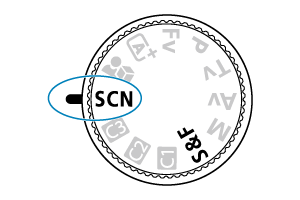
-
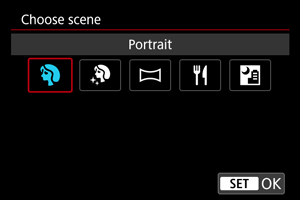
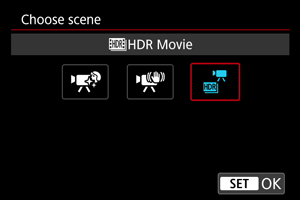
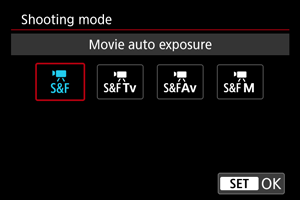
Изберете опция.
 :
: 

Забележка
-
Когато програматорът е поставен в позиция
или , можете също да зададете режима на заснемане на снимки/запис на видео, като докоснете иконата в горния ляв ъгъл.