
Shooting Still Photos
Still photo shooting can be performed by pressing the release button on the remote control.
-
Connect the remote control to the camera.
-
Set the camera.
- Set the camera for still photo shooting.
-
Set the remote control.
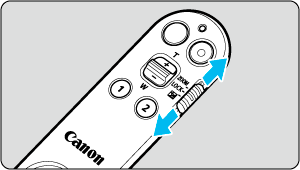
- Set the zoom/lock/exposure compensation switch to a position other than
 .
.
- Set the zoom/lock/exposure compensation switch to a position other than
-
Adjust the focus.
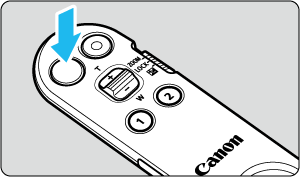
- The release button has two steps. By gently pressing the release button to the first step, the camera automatically focuses (AF).
-
Take a picture.
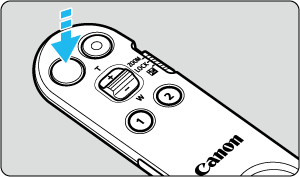
- By firmly pressing the release button all the way down to the second step, the camera will release the shutter and take the picture.
Note
- In movie recording mode, the release button on the remote control operates in the same way as the release button on the camera.